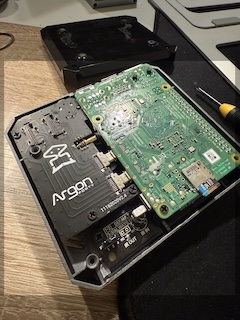
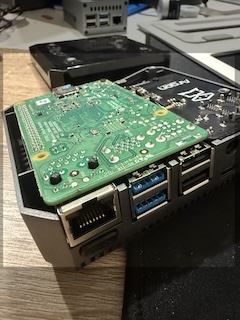
I created the most reliable ready-to-use K8s cluster on Raspberry PI . Recently, I took my Raspberry Pi 4 with 8 GB RAM and my Raspberry Pi 4 with 4GB RAM. I used it as part of my home infrastructure for various services, including home DNS, which can block some advertisements, VPN, and a home Git server. But now I'm going further. I decided to spin up a Kubernetes cluster on this and put all services in it.
I installed Talos Linux on each of them. Why? Talos is a container-optimized distro. Designed to be as minimal and secure by default. How did I do it? Right, I'm just putting an image of Talos on an SD card using the commands below:
# Download the image with Talos Linux and decompress it
curl -LO https://factory.talos.dev/image/ee21ef4a5ef808a9b7484cc0dda0f25075021691c8c09a276591eedb638ea1f9/v1.10.6/metal-arm64.raw.xz
xz -d metal-arm64.raw.xz

# on MacOS, we shoudld unmount it (/dev/disk6 - is my sd card for RaspberyPI)
diskutil unmountDisk /dev/disk6
sudo dd if=metal-arm64.raw of=/dev/disk6 conv=fsync bs=4M status=progress
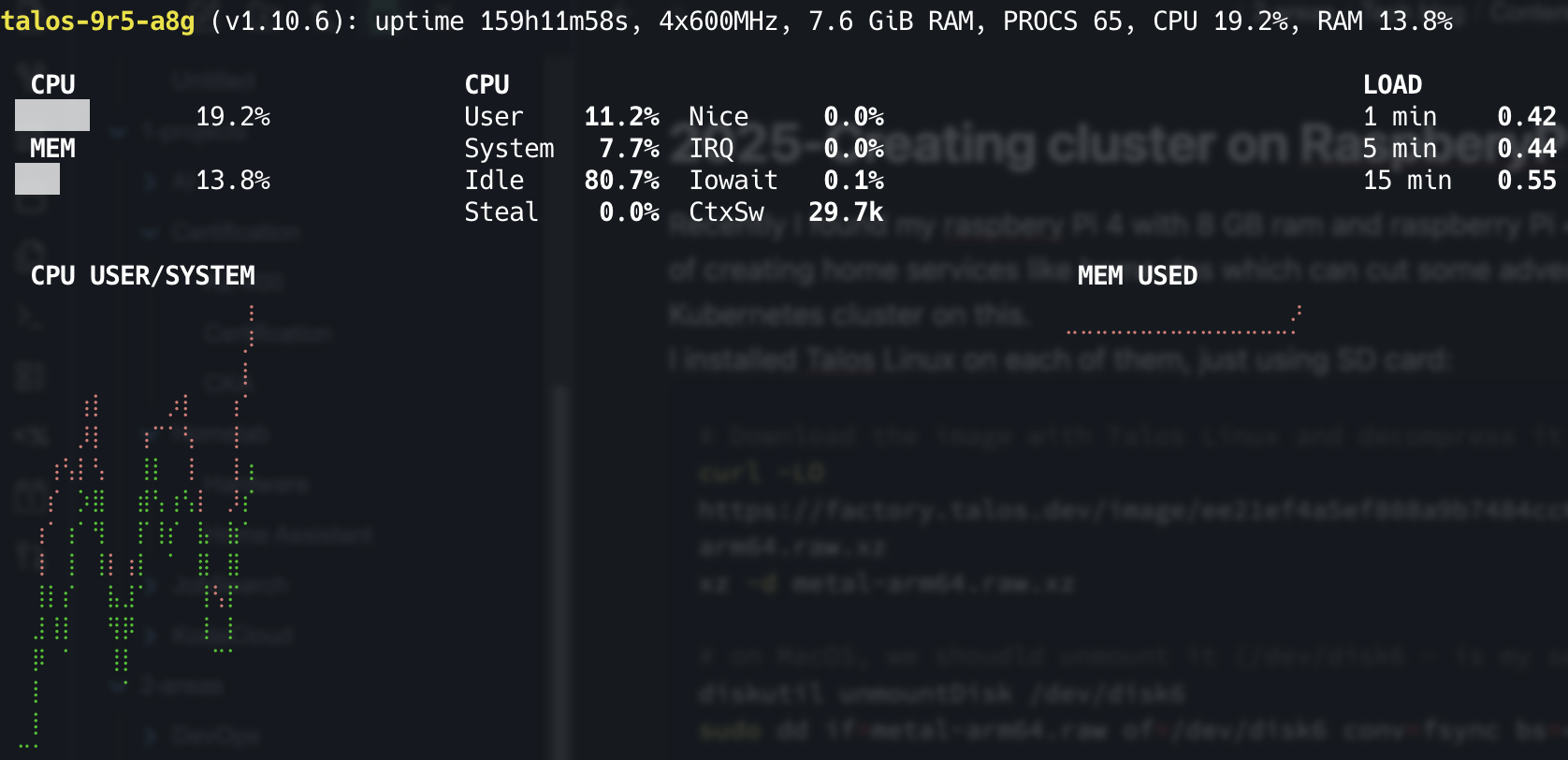
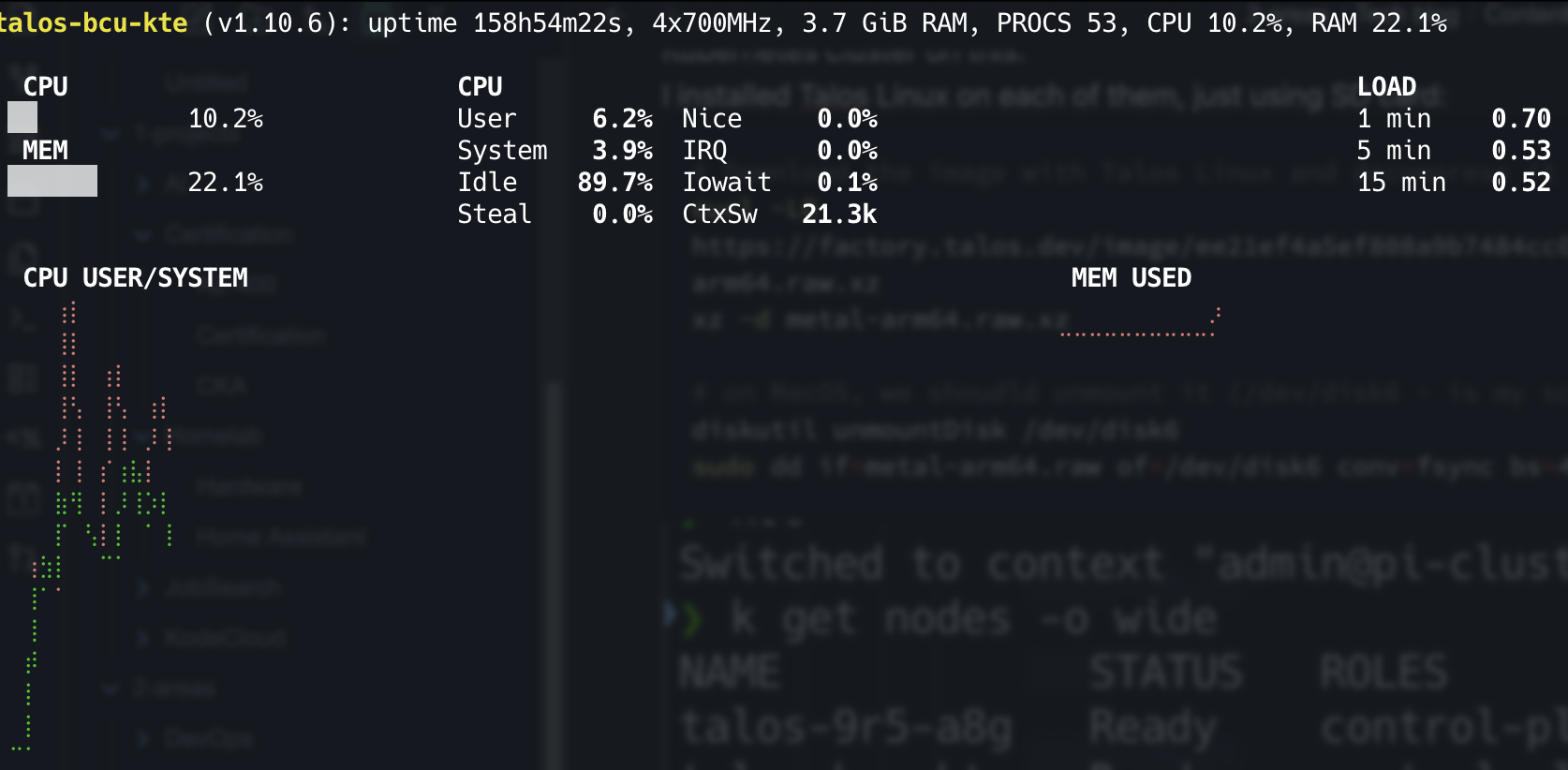
It's works just fine. I wanna continue with it.